Semantic Models for VS Code
Semantic Models for VS Code is a Visual Studio Code extension for editing RDF/Turtle documents, including SAMM Aspect Models.
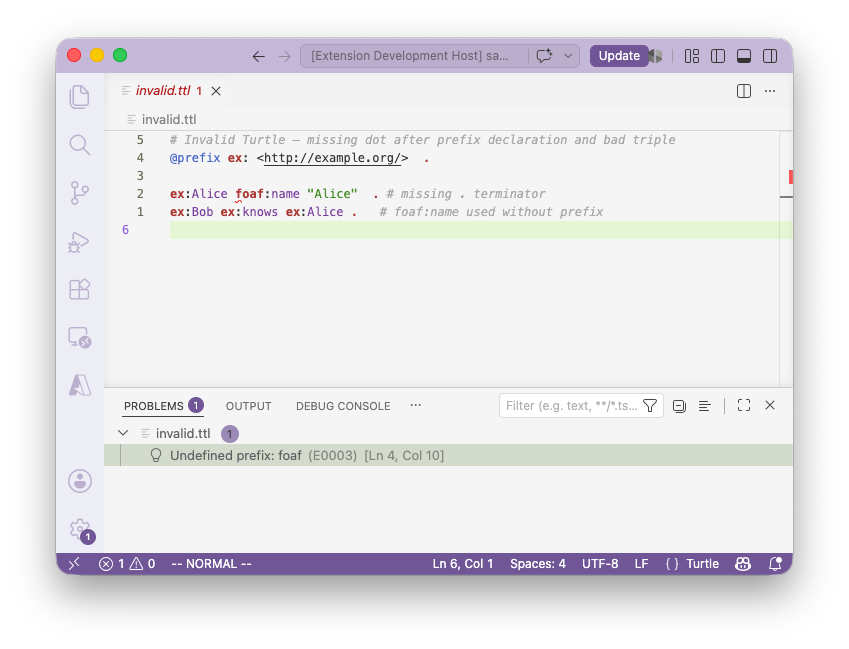
For RDF/Turtle documents, it features syntax highlighting, document outline and automatic syntax validation. For SAMM Aspect Models, the extension additionally features Go to Definition for elements and semantic model validation.
Getting Started
Installation
Semantic Models for VS Code can be installed either manually or from the VS Code Marketplace.
For a manual installation, open the
Releases page and
download the .vsix file of the latest version. In VS Code, open the Extensions
view, click the … menu in the upper right corner of the view and select
"Install from VSIX…".
Configuration
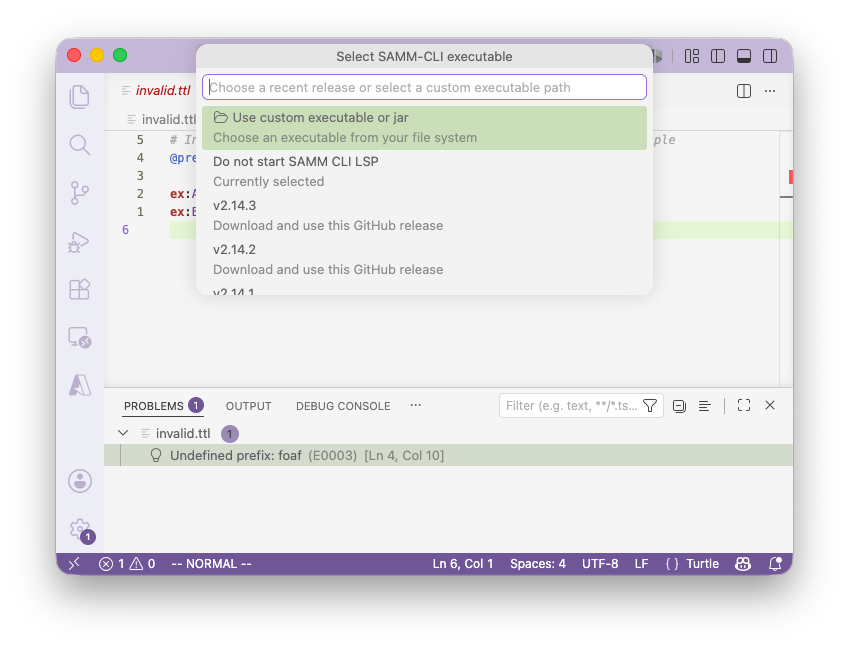
After the installation of the extension, the initial setup requires you to either download or manually select a SAMM CLI, which provides the required SAMM Language Server. You can also repeat this step later to change your configuration by using the command Select SAMM CLI Executable from the Command Palette.
Model Validation
To validate an RDF/Turtle file or a SAMM Aspect Model, simply open it in VS Code. The extension will automatically connect to the language server and display any validation issues in the Problems view. You can also trigger validation manually using the 'Validate Document Now' command from the Command Palette.