Install the Semantic Models for VS Code Extension
First, check the system requirements.
Installing the extension
Open the Extensions view in VS Code, search for Semantic Models published by eclipse-esmf, and select Install. You can also open Semantic Models on Visual Studio Marketplace.
For a manual installation, download the latest .vsix file from the extension releases.
In VS Code, open View → Command Palette, run Extensions: Install from VSIX…, and select the downloaded file.
Configuration
After successful extension installation, a welcome screen should greet you:
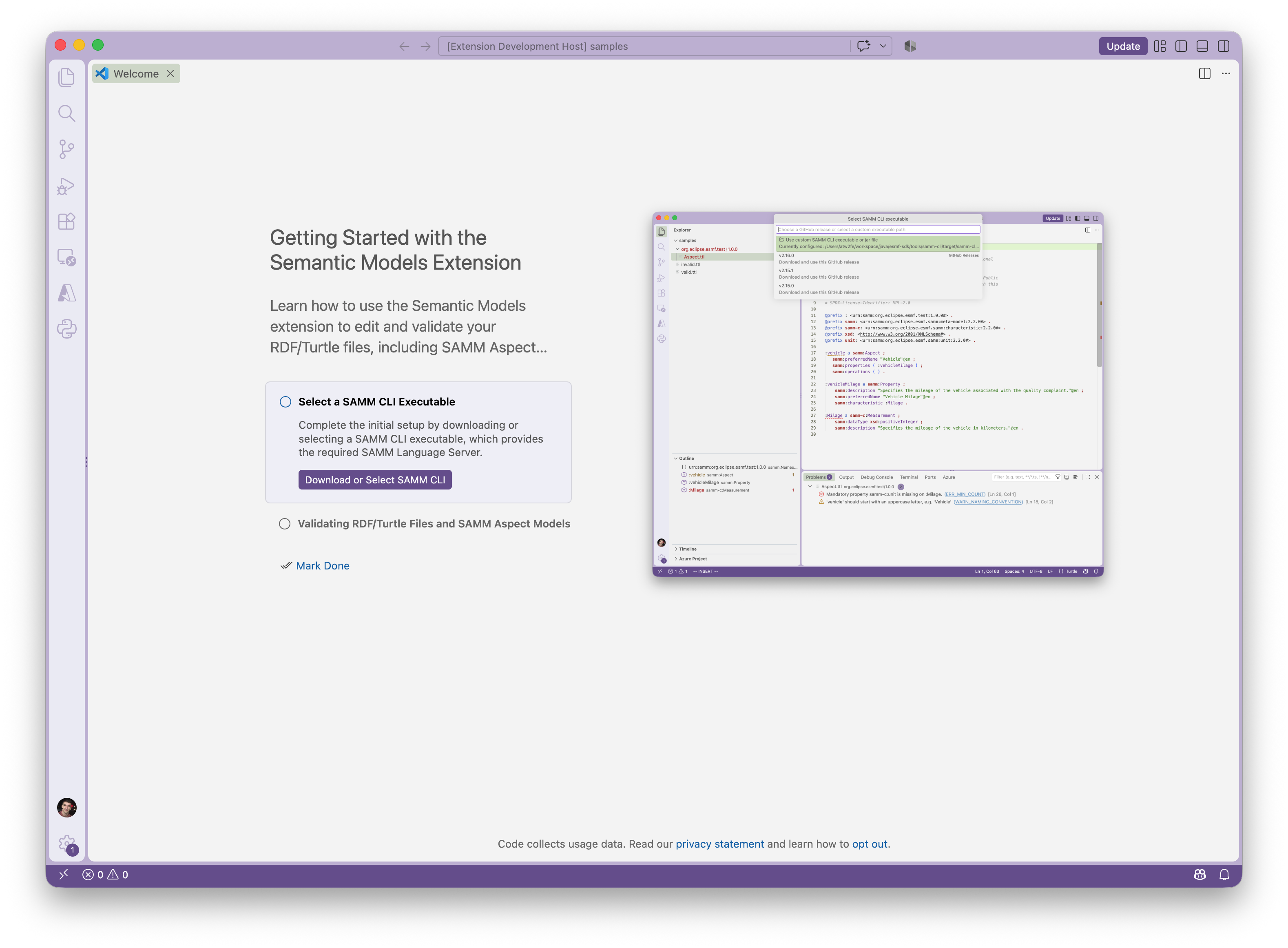
Follow the instructions on the welcome screen to configure the extension.
If the welcome screen does not open, you need to manually configure the extension. Open View → Command Palette, run Semantic Models: Select SAMM CLI Executable. Configuring this executable is necessary for the extension to work properly.
If setup or validation fails, see Support.