Anonymous Elements
Aspect Models support defining certain model elements as anonymous elements (corresponding to Blank Nodes in RDF/Turtle). Instead of creating a standalone, named element with a unique URN within the namespace, an anonymous element is defined directly inline as an attribute or child of its parent element.
For more background on anonymous concepts in the SAMM metamodel, see Meta Model Elements (SAMM 2.2.0).
Supported Anonymous Element Types
In the Aspect Model Editor, the following elements can be configured as anonymous:
-
Characteristics:
-
Standard
Characteristic -
Collection Characteristics:
List,Set,SortedSet -
Quantities and Measurements:
Quantifiable,Measurement,Duration -
Categorical / Value types:
State,Enumeration,StructuredValue -
Logical & Complex:
Either,Trait
-
-
Constraints:
-
EncodingConstraint -
RegularExpressionConstraint -
RangeConstraint -
LengthConstraint -
LocaleConstraint -
LanguageConstraint -
FixedValueConstraint
-
-
SAMM Values:
-
Example values attached to Properties (
samm:exampleValue) -
Values defined in Enumerations (
samm:values)
-
Creating and Configuring Anonymous Elements
To make an element anonymous:
-
Open the Edit dialog of the respective Characteristic, Constraint, or Value by double-clicking it on the canvas or selecting it and clicking the Edit icon in the toolbar.
-
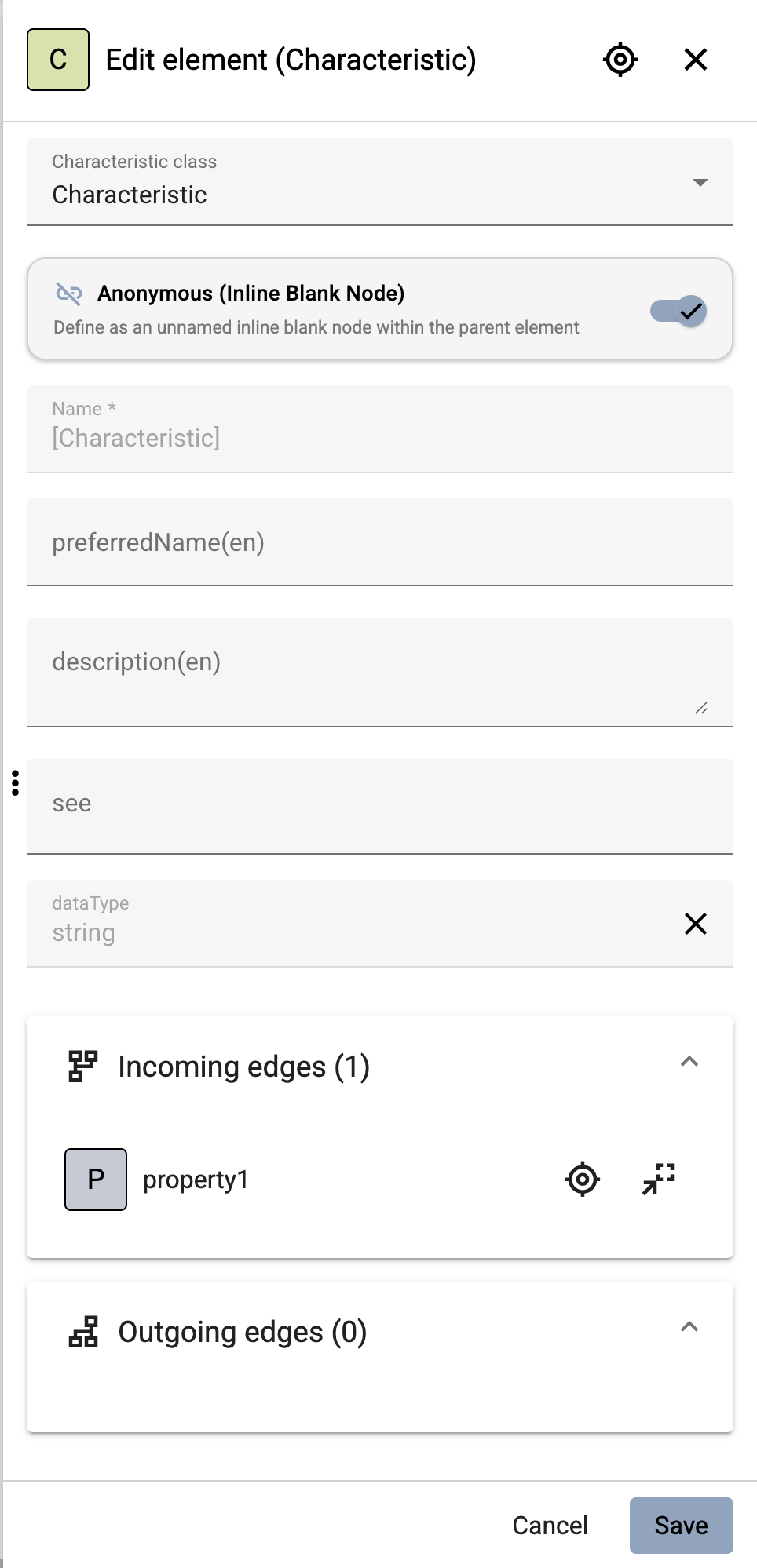
In the Edit dialog, switch the Anonymous toggle to active (enabled).
-
Notice that the Name input field is disabled or hidden, as anonymous elements do not require a user-defined name.
-
Configure all other required attributes (e.g. data type, unit, regular expression, min/max values).
-
Click Save (or press Control + Enter).
Representation on the Graph Canvas
On the graph canvas, anonymous elements are visually distinguished from named elements:
-
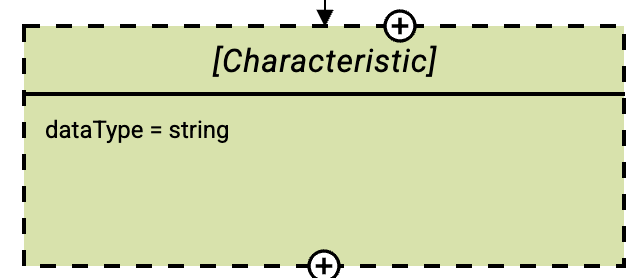
Instead of a custom element name, the canvas displays the type enclosed in square brackets, e.g.
[Characteristic],[RangeConstraint],[Measurement], or[Value]. -
When connected to parent elements (e.g., a Property connected to an anonymous Characteristic), the relationship line is drawn directly to the anonymous node.
Deleting Anonymous Elements
The editor implements special safety rules when deleting anonymous elements or their parent elements:
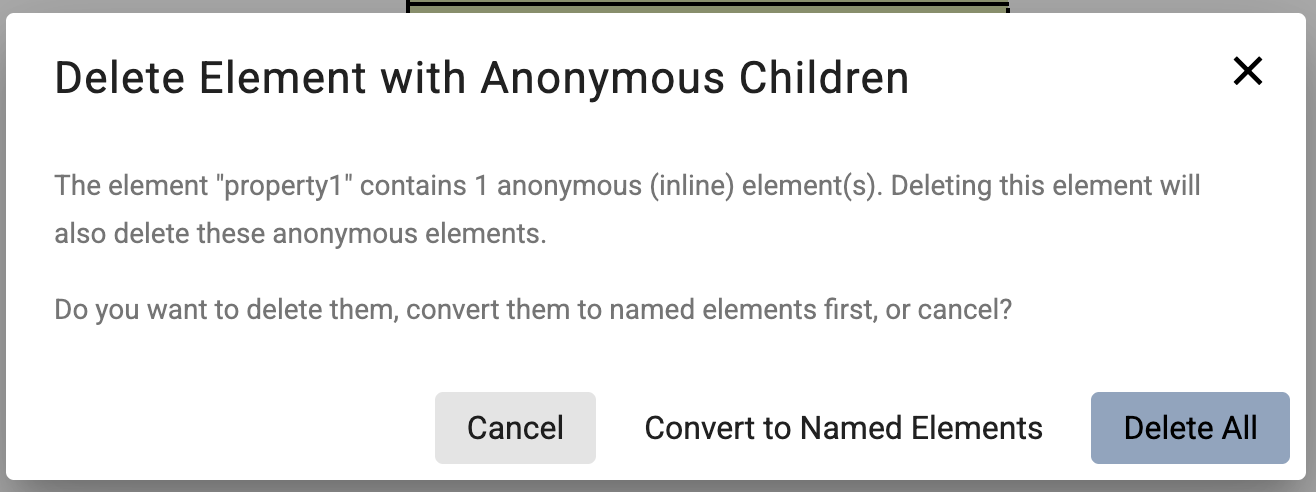
Single-Parent Relationship
If an anonymous element is only referenced by a single parent element (e.g., a single Property referencing an anonymous Characteristic): * When the parent element is deleted, the editor prompts the user with a confirmation dialog: Delete All: Deletes both the parent and the anonymous child element. Keep as Named: Converts the anonymous element into a regular named element and keeps it in the Aspect Model.
RDF / Turtle Serialization
When exporting or saving the Aspect Model as a Turtle (.ttl) file:
-
Named elements are exported with their full URN subject, e.g.:
:MyCharacteristic a samm:Characteristic ;
    samm:dataType xsd:string .
-
Anonymous elements are serialized directly as inline Blank Nodes
[…], e.g.:
:myProperty a samm:Property ;
    samm:characteristic [
        a samm:Characteristic ;
        samm:dataType xsd:string
    ] .