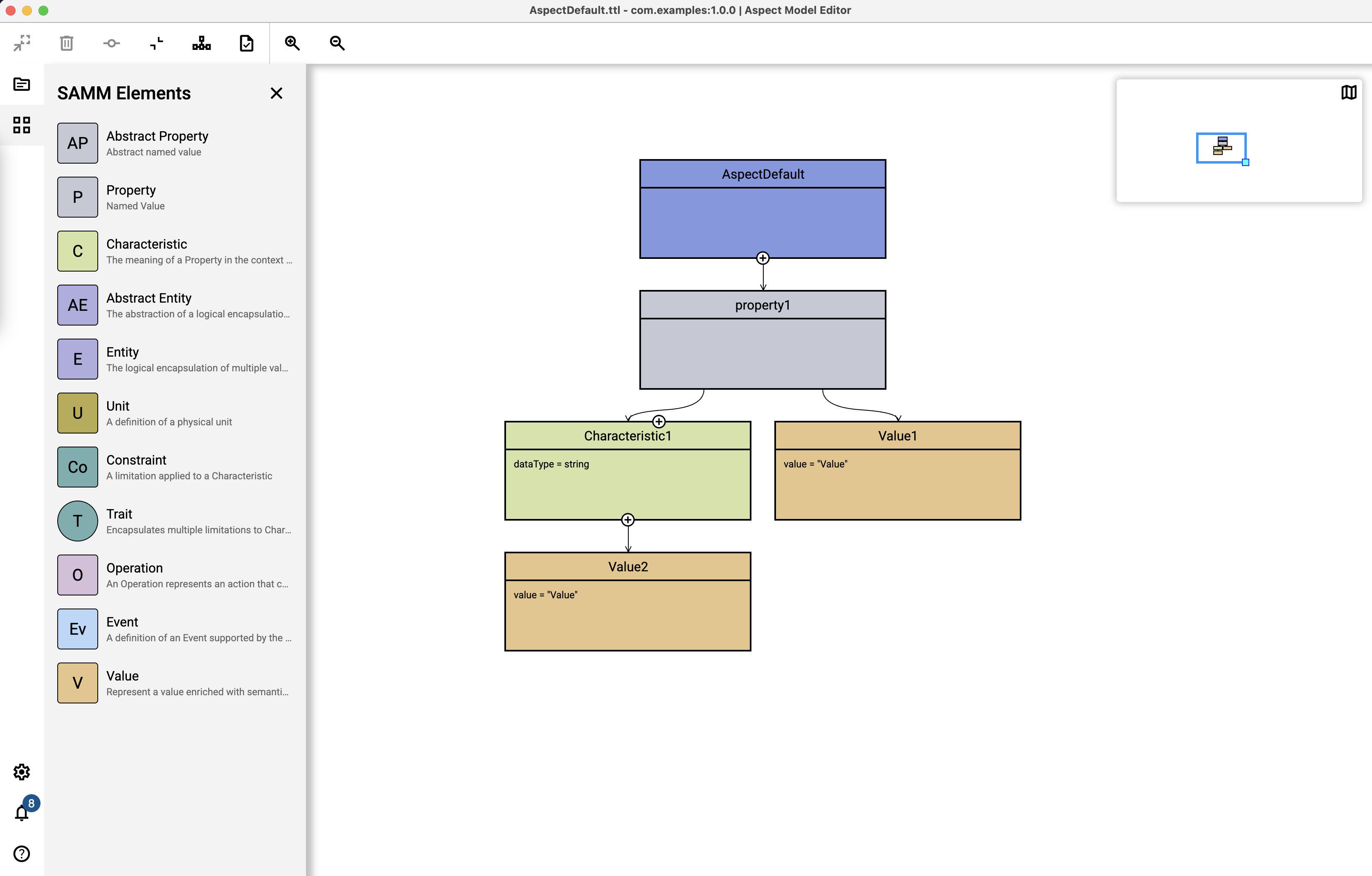
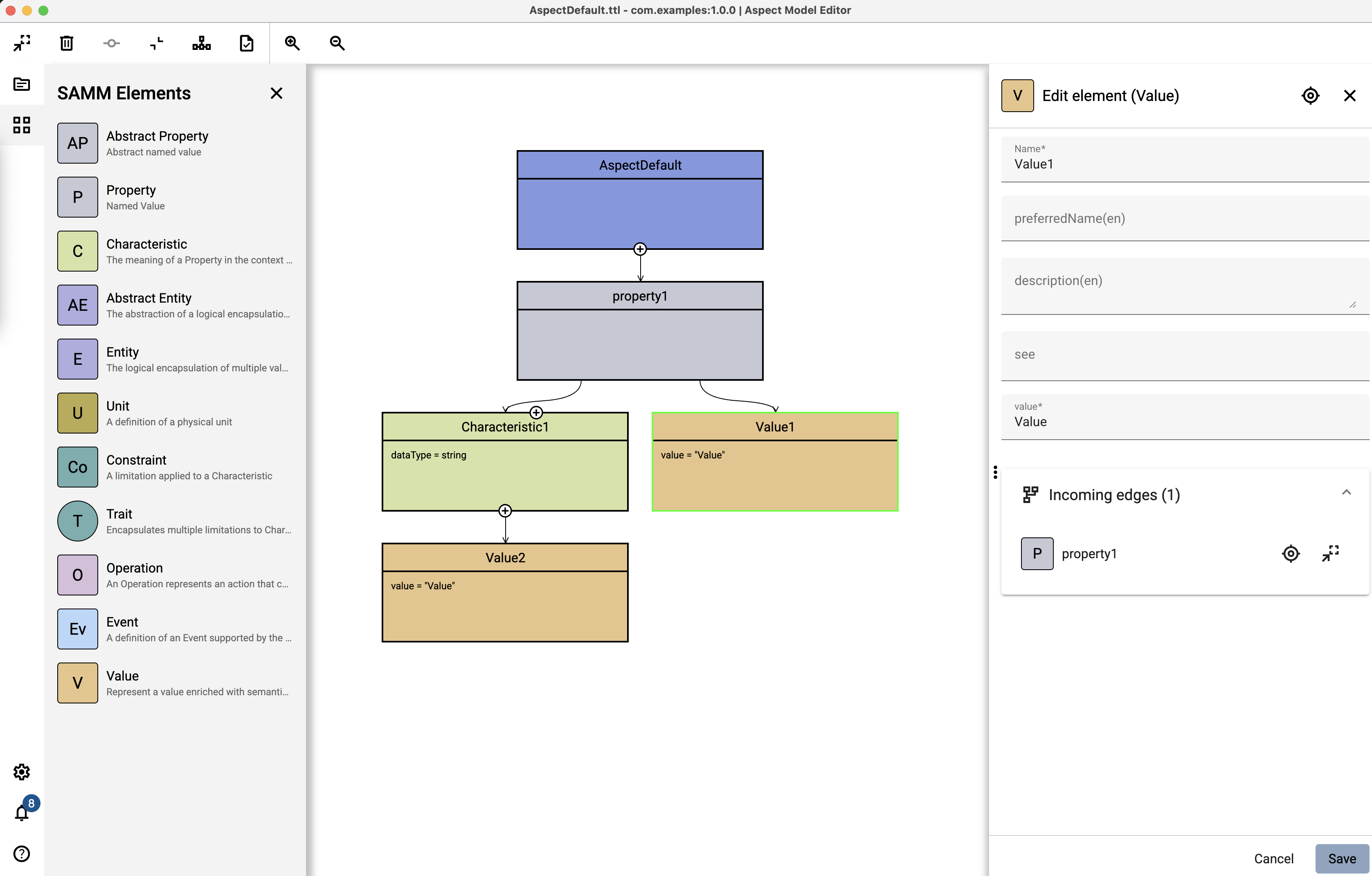
Value
The Value type is designed to represent a value enriched with semantic metadata. It encapsulates the actual data (which can be a literal or a reference) along with additional descriptive information. This type is used to enhance clarity in Enumerations and Properties by allowing you to attach a human-readable label, a detailed description, and an external reference to the value.
Add an Value
To add an Value, proceed as follows:
-
Open the Workspace sidebar.
-
Drag the Value element and drop it to the graph area canvas.